Stop Typing Your Flight Number
Chrome's enhanced autofill can now suggest order numbers, tracking details and flight bookings from your Gmail while you fill in a form. It is rolling out in the U.S.

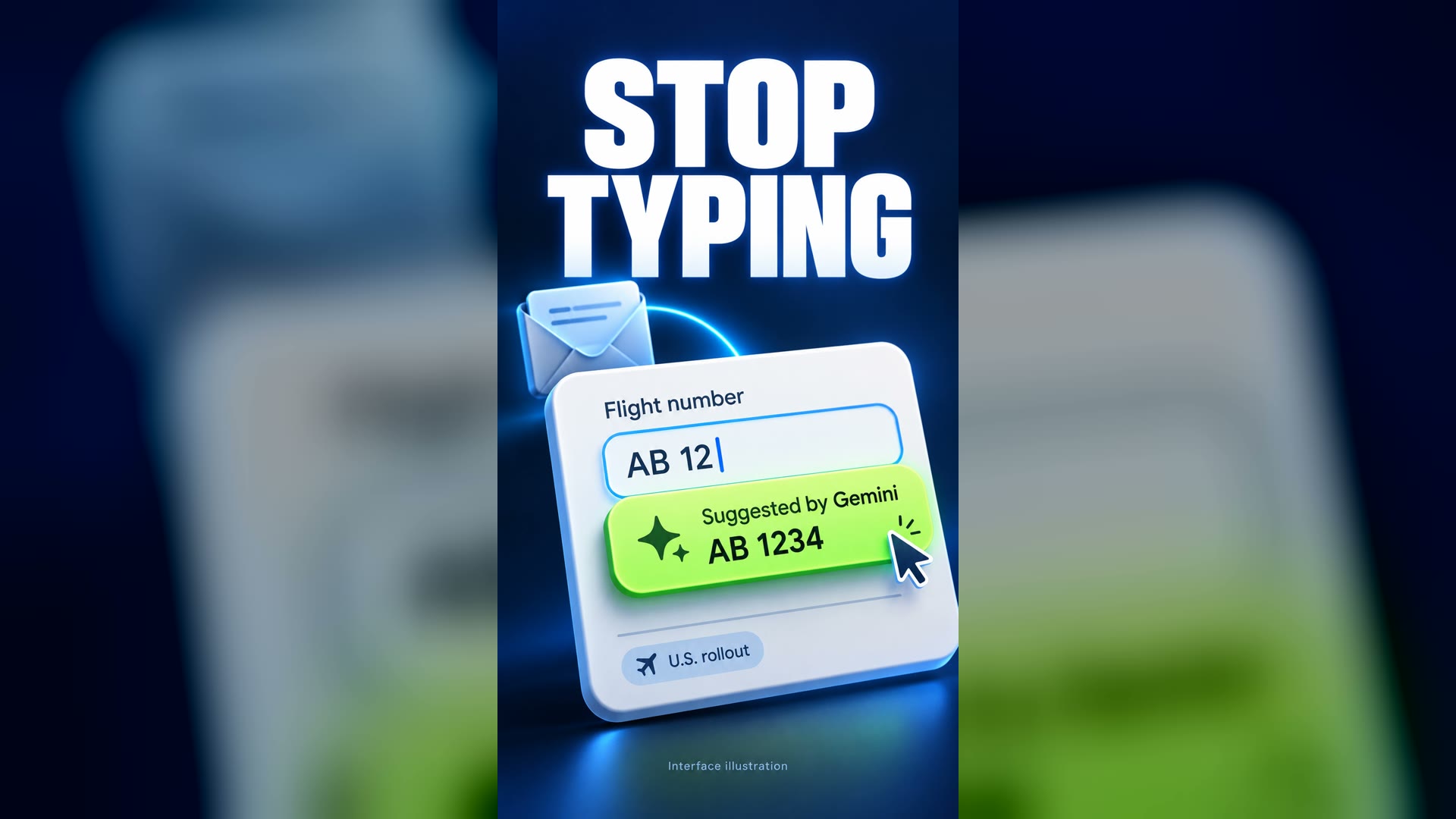
Chrome can now find your flight booking, order number or tracking details in your Gmail and offer them while you fill in a form.
What happened
On 28 Oct 2026, Google announced on its blog, The Keyword, that Chrome's enhanced autofill can suggest information from Gmail. The post was written by Amanda Lim, a product manager on Chrome.[1]
Google says the feature uses Gemini with Personal Intelligence. The examples it gives are "order numbers, tracking information, and flight bookings."[1][2][3]
Google describes the feature as "beginning to roll out in the U.S. on desktop, Android and iOS," starting that day. Android Headlines, Droid Life and Notebookcheck reported the same rollout.[1][2][3][4]
Why it's surprising
Our readBrowser autofill has usually filled in details a person typed in before, such as a name or an address. Under this change it can also pull details from messages in an inbox. A booking code that once meant searching through old emails can now appear as a suggestion in the form itself.[1][3]
How it works
When a user starts filling in a form, a "Suggested by Gemini" entry appears in the autofill menu. Choosing it fills in the field. This entry is described by independent reports and is not mentioned in Google's own post.[3][4]
The feature is available to Gemini in Chrome users who have Personal Intelligence turned on.[1][3][4]
Why it matters
Google says users can manage whether enhanced autofill is enabled in Chrome settings. Notebookcheck gives the path as Autofill and passwords, then Enhanced autofill.[1][3][4]
Our readFor people who often fill in check-in forms, returns or delivery queries, this could remove a small but frequent chore. It also means the browser is reading inbox content to make suggestions, so some people may prefer to keep it off.[1][3]
What's confirmed and what isn't
Confirmed by Google and by independent reports: the Gmail suggestions, the example data types, the U.S. rollout on desktop, Android and iOS, the need for Personal Intelligence, and the option to switch the feature off.[1][2][3][4]
Notebookcheck reports that the feature is not available in the EEA, Switzerland or the UK.[4]
Notebookcheck also reports, citing Google's admin help, that the consumer default allows data to be used to improve AI models, with possible human review. This comes from a single report.[4]
The feature is described as rolling out, so it may not yet appear for every eligible user in the U.S. No figures have been given on how much time it saves.
- Not claimedThat the feature is available to everyone; it is rolling out, in the U.S. only.
- Not claimedThat it is available in other countries; Notebookcheck says it is not in the EEA, Switzerland or the UK.
- Not claimedThat it fills in data types beyond the examples Google names.
- Not claimedAny amount of time saved.
- Not claimedThat the Gmail autofill feature itself was confirmed by Google to send data for model training or human review.
Sources
- Google, The Keyword — Chrome enhanced autofill with Gmail, 2026-10-28Primary
- Android Headlines — Chrome Gemini autofill pulls Gmail order and flight details, 2026-10-28Independent
- Droid Life — Chrome's enhanced autofill gets Gemini's Personal Intelligence injection, 2026-10-28Independent
- Notebookcheck — Google Chrome autofill can now pull details from your GmailIndependent
7 claims checked against these sources; 6 confirmed.
Spot an error? Request a correction.
Video transcript
Stop typing your flight number.
Chrome can now find it in your Gmail.
Its enhanced autofill uses Gemini to pull order numbers, tracking details and flight bookings from your inbox.
Start a form, and a "Suggested by Gemini" option appears. Pick it, and the field fills in.
No more digging through old emails.
It's rolling out now in the U.S., on desktop, Android and iOS.
You need Gemini in Chrome with Personal Intelligence turned on.
Don't want it? Switch off enhanced autofill in Chrome settings.
Your inbox now fills the form for you.
Production note: The visuals are an original Chrome-style interface illustration with made-up values and an animated cartoon presenter, not screenshots or real footage. The narration uses a preset synthetic voice.
What else changed
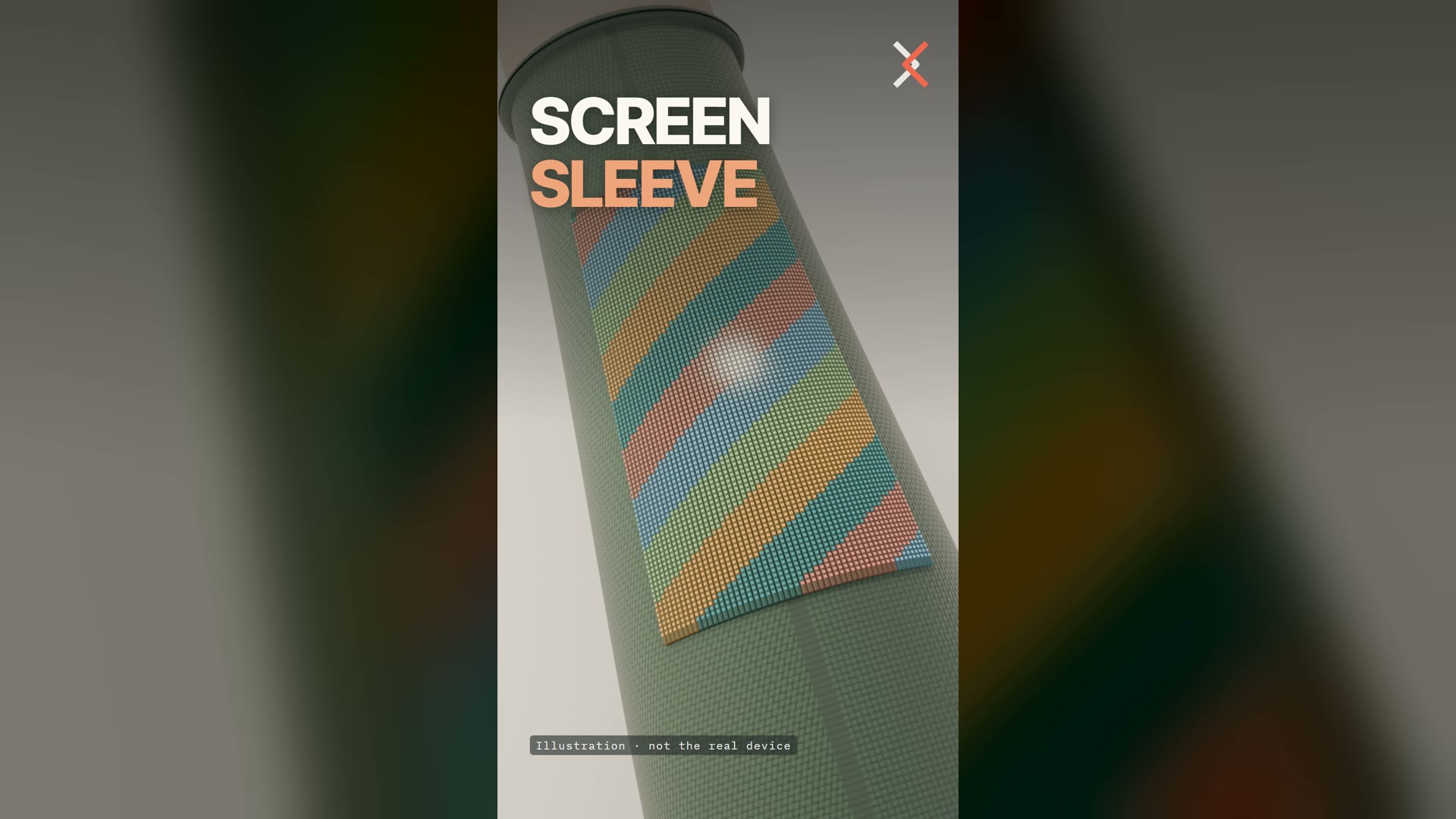 Future Technology2 min readFuture TechnologyThis Touchscreen Is Woven Into a SleeveResearchers in Singapore built 54 touch-sensing fibers into a sleeve to make a 96 × 54-pixel display. After 50 washes it was nearly unchanged. It is still a lab prototype.Read story
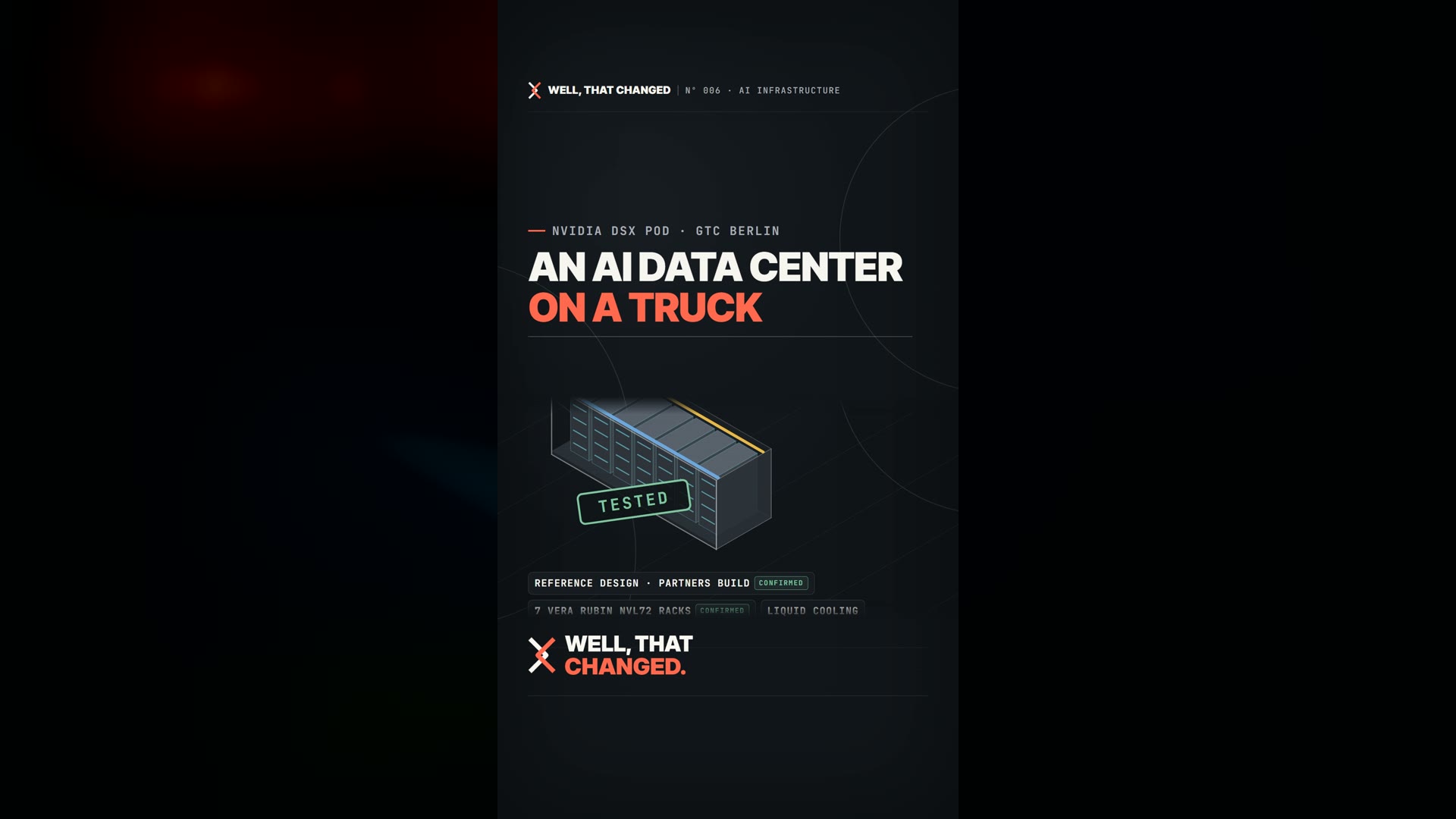 Future Technology2 min readFuture TechnologyNVIDIA Wants AI Data Centers to Arrive on a TruckNVIDIA's DSX POD is a blueprint for AI data centers that are built in a factory and shipped to the site. The company says this cuts deployment time sharply, but the pods still have to be plugged into power.Read story
 Space & Science2 min readSpace & ScienceHubble and Webb Spot a Ghostly Cat in SpaceNew Hubble and Webb images show the Cat's Head Nebula, a pillar of gas and dust in the Carina Nebula that looks like a cat seen from behind, with a glowing red eye.Read story